CIID · Intro to Interaction Design · 2024
Harmony
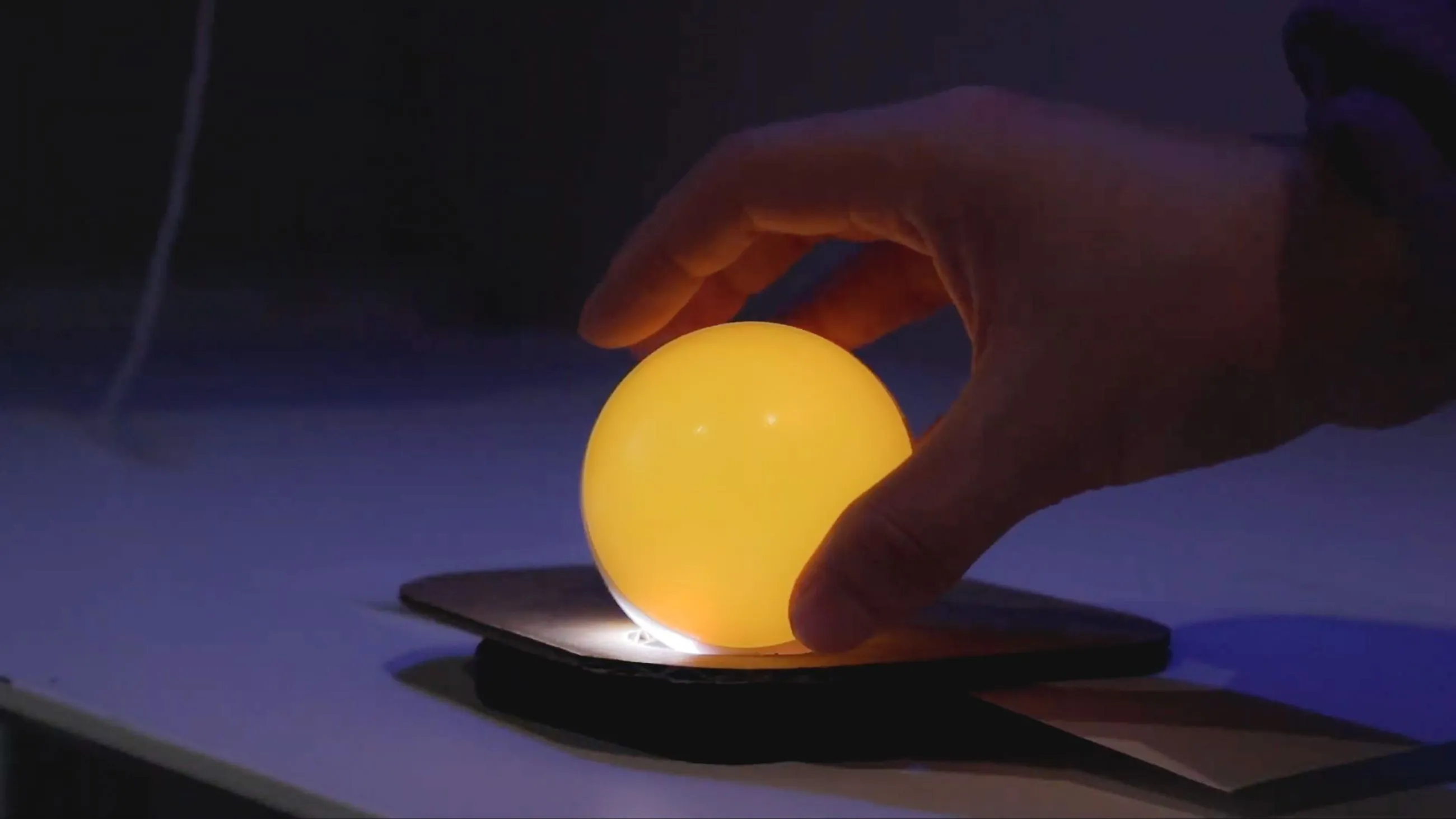
A set of lights that lets flatmates ask for quiet, and say thanks, without an awkward conversation.
The short version
About 1 minute
- Situation
- An introductory interaction design project about tension between flatmates.
- Problem
- Asking someone to be quieter is awkward, so people leave passive-aggressive notes or say nothing.
- What made it hard
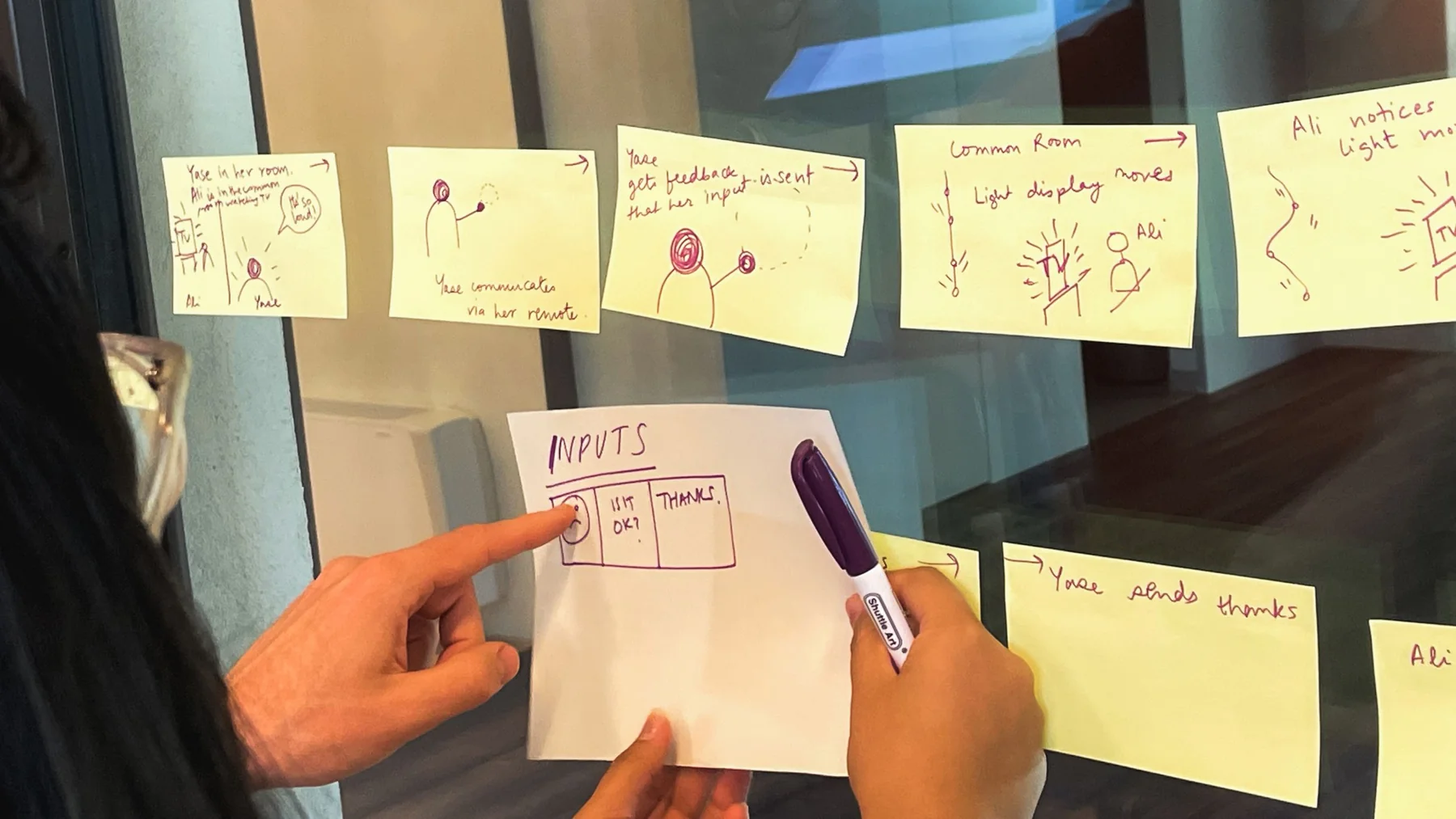
- The system needed a full conversation (request, nudge, acknowledgement, thanks) expressed only through light and touch.
- My role
A four-person team project.
- Key decisions
- Each person has a light. Taking yours to your room switches every light to blue, meaning "quiet, please".
- Shaking your light makes all of them pulse; shaking again speeds the pulse up.
- Petting your light acknowledges a request, and petting it again returns everyone to a calm yellow.
- Outcome
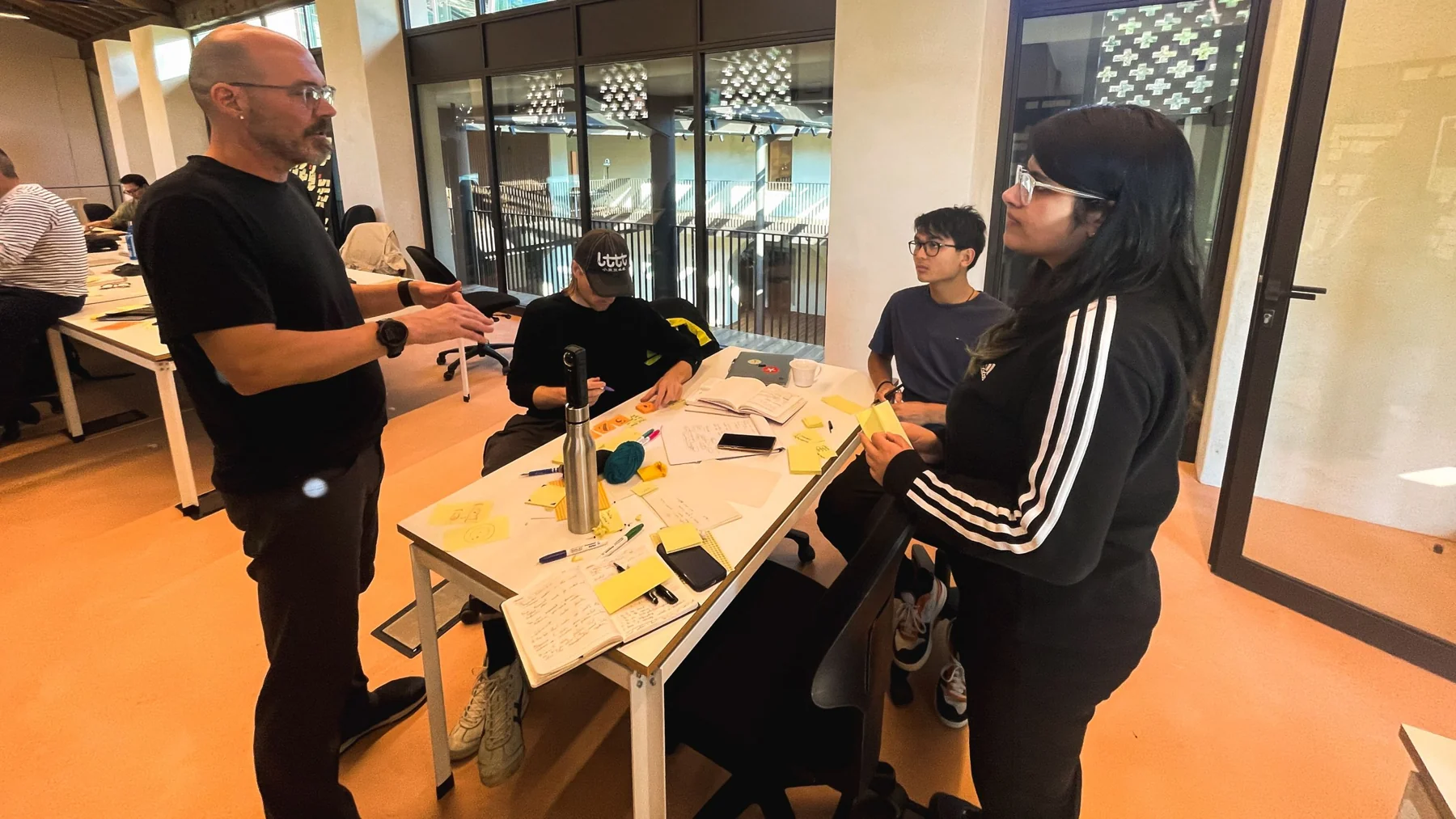
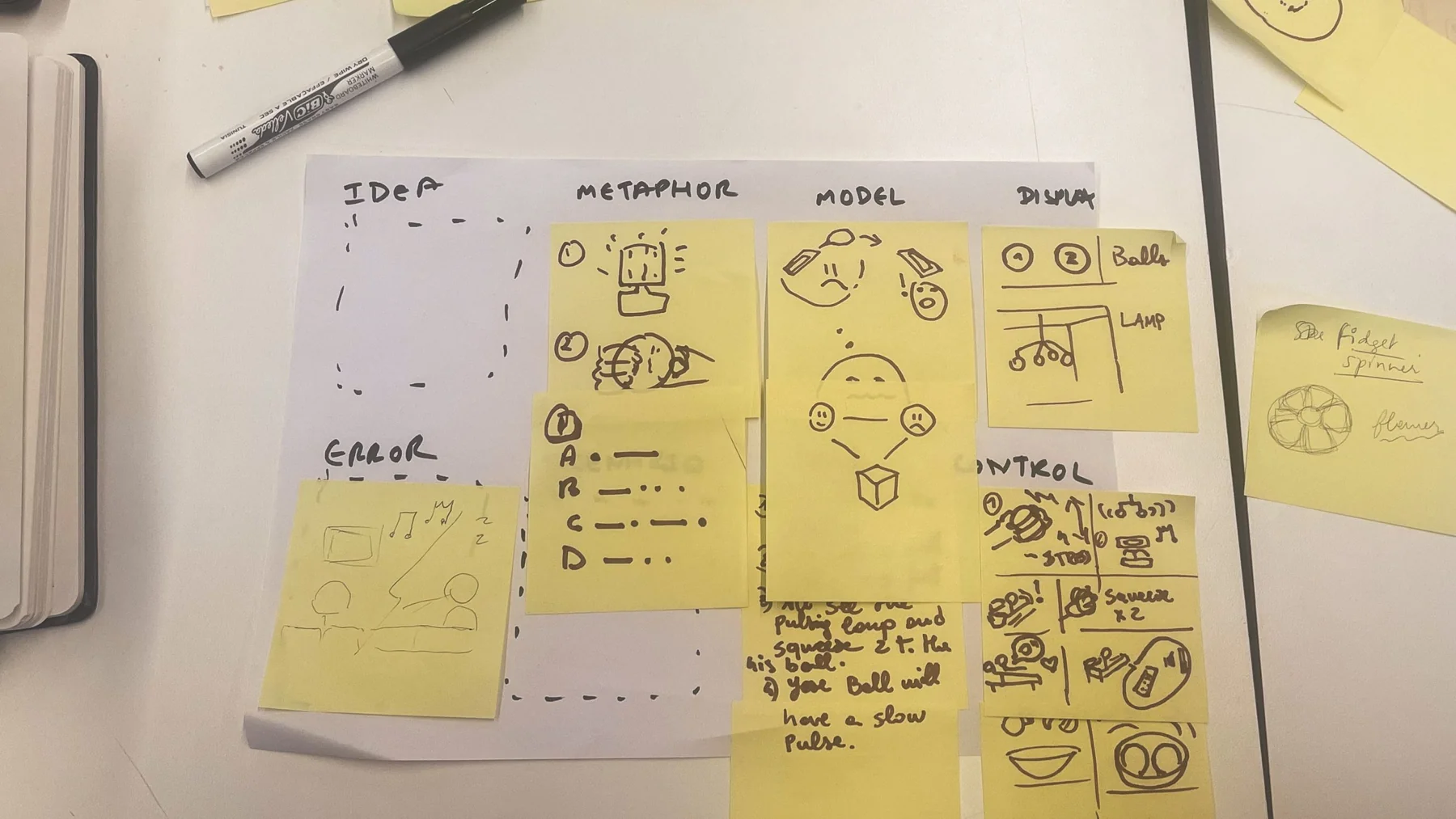
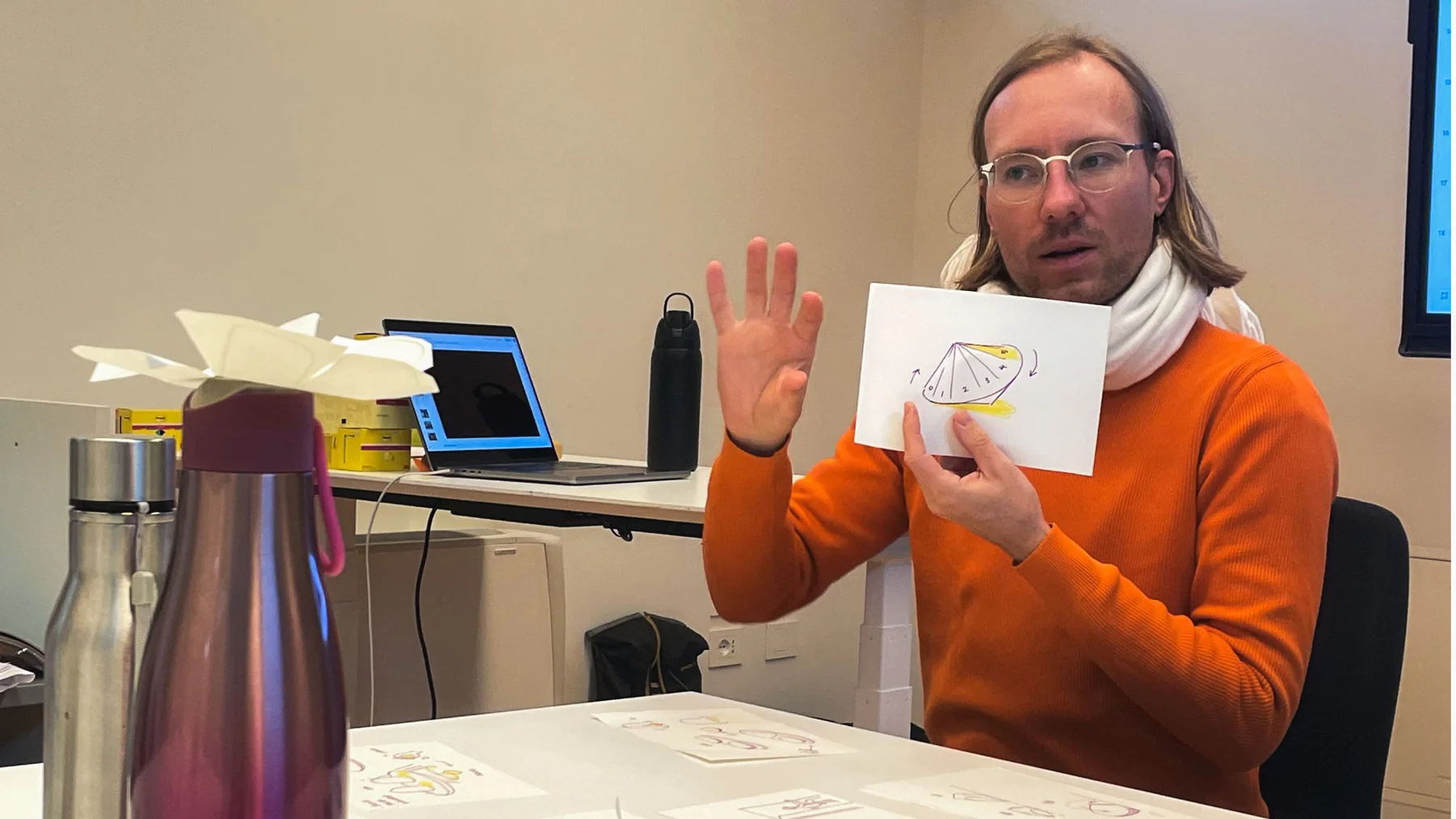
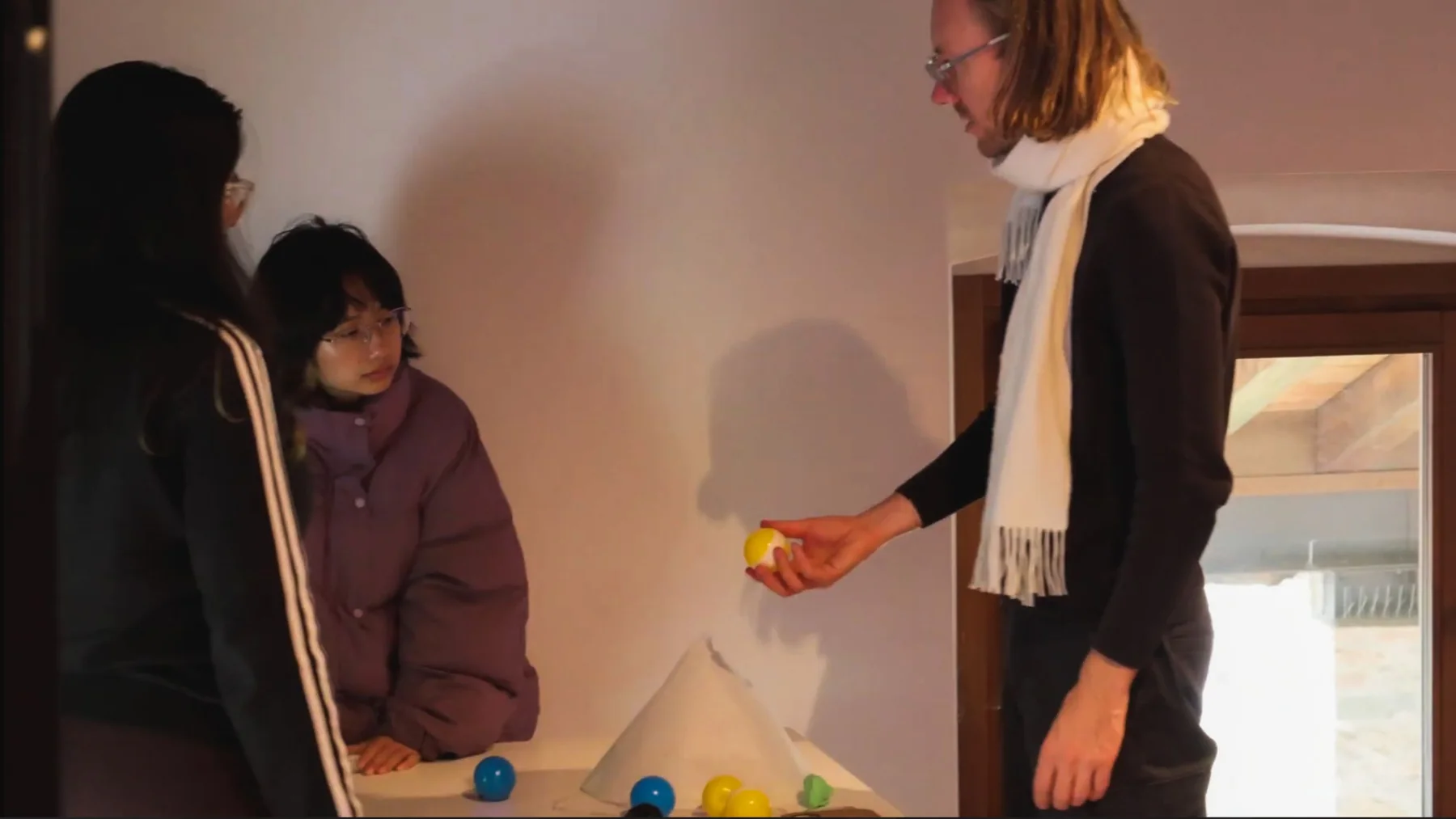
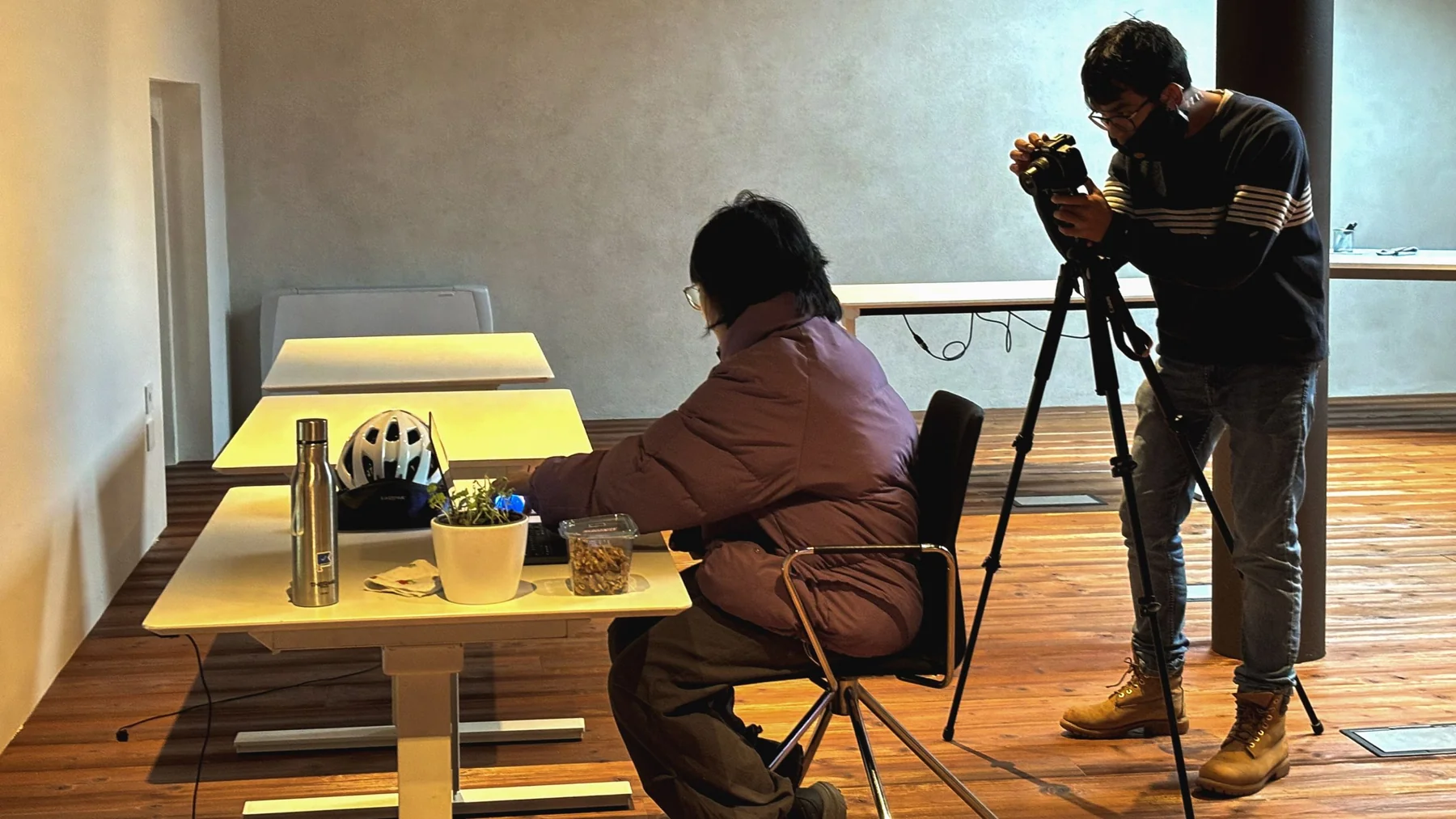
- A working set of lights. Bill Verplank's 8-box model, bodystorming and testing shaped the inputs and outputs.
Details
How it works
- Default (yellow): all lights glow a calm yellow.
- Quiet mode (blue): take your light into your room and the system turns blue, asking others to keep it down.
- Nudge: shake your light and every light pulses. Shake again and the pulse quickens.
- Acknowledge: your flatmate pets their light, which calms the pulsing.
- Thanks: pet your light and the whole system softly returns to yellow.
Making Harmony